
How to use YubiKey 5C NFC


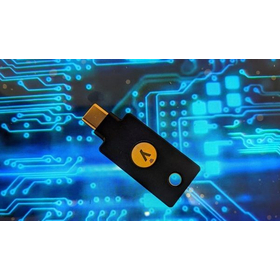
Re-record the registration screen (11 screens) and sign-in screen (5 screens) on Windows 11 in November 2026. The actual measurements are 48 seconds for registration and 21 seconds for sign-in.
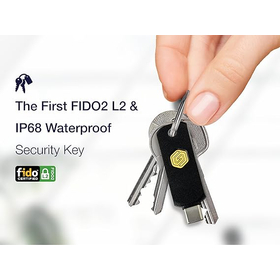
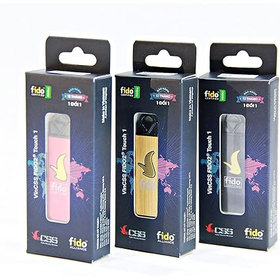
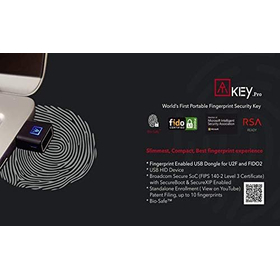
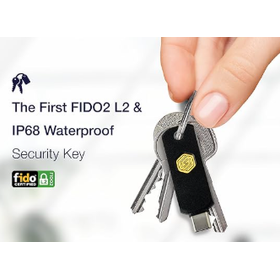
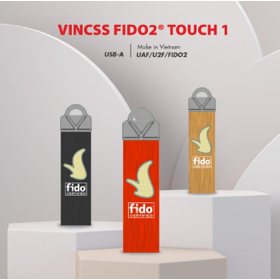
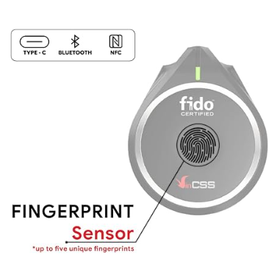
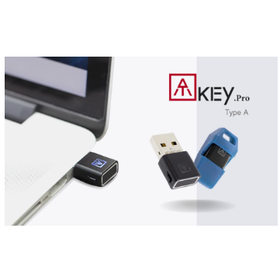
The target is YubiKey 5C NFC, Windows 11 + Chrome, and Microsoft account (personal account). Steps: "Register Security Key (Screen 11)" "Sign in without entering a password (Screen 5)" Three points that are easy to trip up on: - When Chrome asks, "Would you like to create a passkey?", choose "Save in another way" to avoid entering Google Password Manager. - Change the default in Windows Security from "Save on this device" to "Security Key". - The factory setting does not have a FIDO2 PIN set, which will be configured during registration. To prepare for loss, register two keys per person (one for production + one backup). Alternatives if YubiKey cannot be purchased (iShield Key 2, Idem Key, ATKey.Pro) are provided at the end of the article. *For detailed content of the article, please refer to the related links.
basic information
【Article Structure】 Basic Information about YubiKey 5C NFC / Registration Procedure for Microsoft Account / Signing in with Passkeys / What to Do if You Lose Your YubiKey? How to Manage It? / Impressions from Use / Alternatives if YubiKey Cannot Be Purchased / Sources. Verification Environment: Windows 11, Chrome, November 2026 *For detailed content of the article, you can view it through the related links.*
Price range
Delivery Time
Applications/Examples of results
Confirmation of steps before implementing passwordless Microsoft accounts/security keys/Reference for creating internal manuals *The detailed content of the article can be viewed through the related links.
catalog(1)
Download All Catalogs
Recommended products

















Distributors

What security is suitable for remote work? How should we respond to Salesforce's multi-factor authentication (MFA)? What is single sign-on (SSO)? You can find security solutions that are appropriate for each company.